

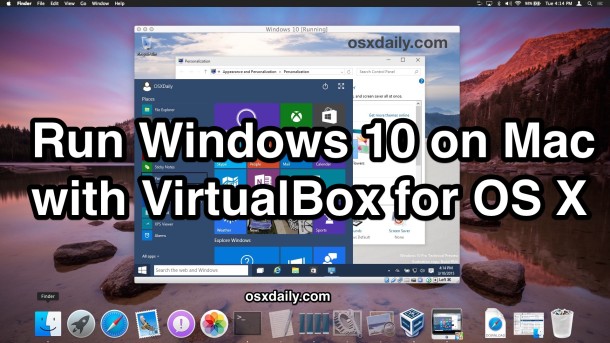
Need to run Windows 10 on a Mac? You can install and run Windows 10 in OS X for free using VirtualBox and the Windows 10 Preview from Microsoft. Because this installs Windows into a virtual machine atop existing Mac system software, running Windows is basically like running any other application, which makes it much ... Read More
To get started, you’ll first need to download Windows 10 ISO from Microsoft and get VirtualBox. The rest is just a matter of following the simple instructions, and soon you’ll have Windows running in OS X in no time.
- Download VirtualBox from Oracle (free) – install this as like any other app
- Download Windows 10 ISO from Microsoft (free) – put this somewhere easy to locate, like the Mac Desktop
- At least 8GB of disk space to install Windows into the virtual machine
- A reasonably speedy computer with sufficient RAM and CPU (the newer the better, as usual)
A quick side note: VirtualBox is cross platform compatible, and while we’re demonstrating installing Windows 10 in OS X Yosemite here, you can actually run through this exact tutorial on any other major operating system as well outside of the Mac. Essentially this means you can run Windows 10 in OS X (Yosemite, Mavericks, you name it), Windows 7, or even Linux, using the exact same software and instructions, nifty huh?
How to Run Windows 10 on Mac with VirtualBox for OS X
Post a Comment